

LED Products
LED Table Top Stand
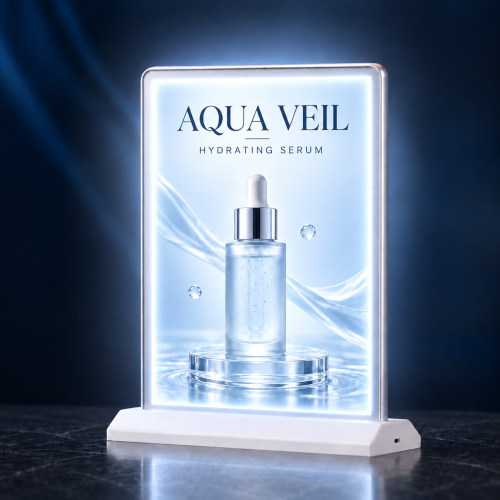
Desktop Slim Light Box
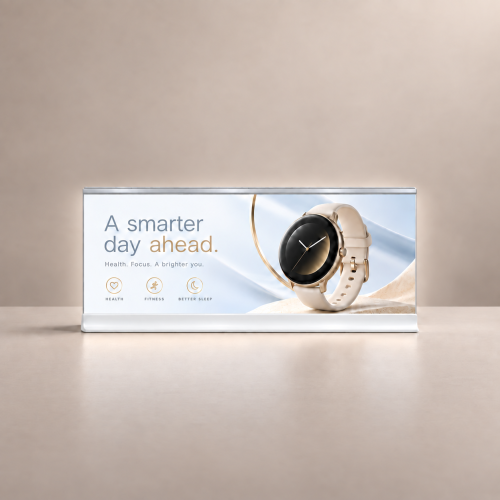
Two-Way Light box
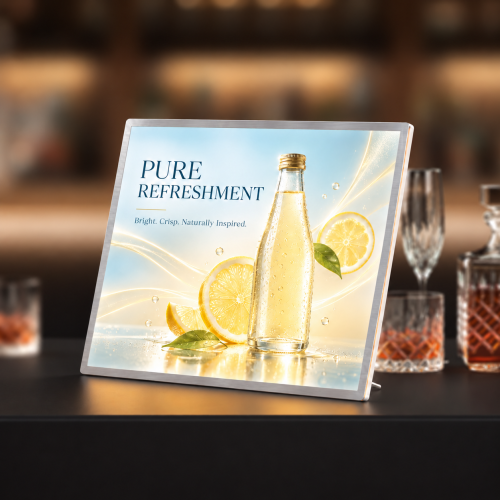
LED Matrix Panel
LED A-Frame
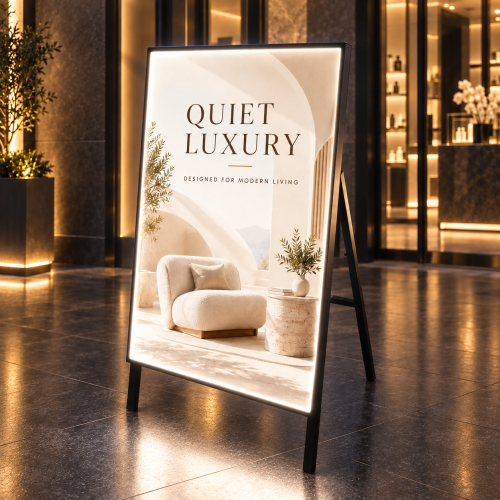
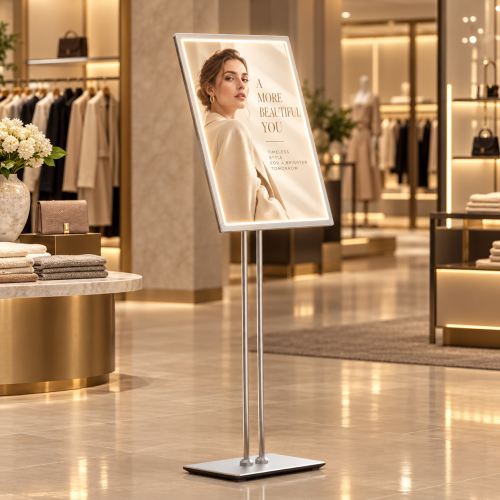
LED Standing Display
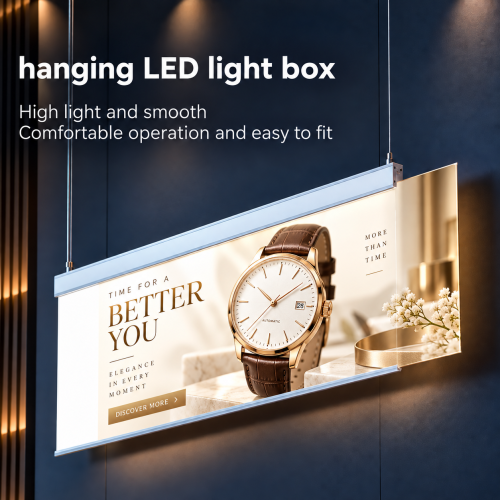
Hanging LED Light Box
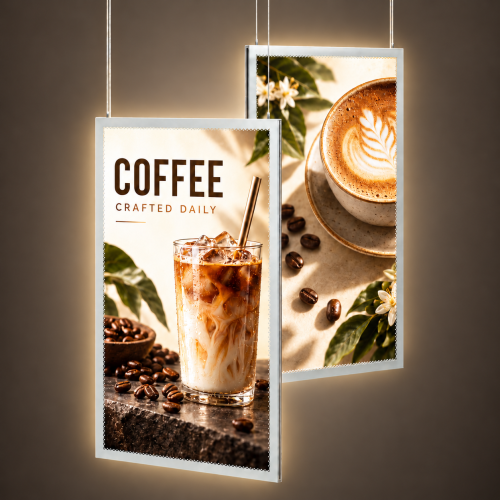
Window Slim Light Box
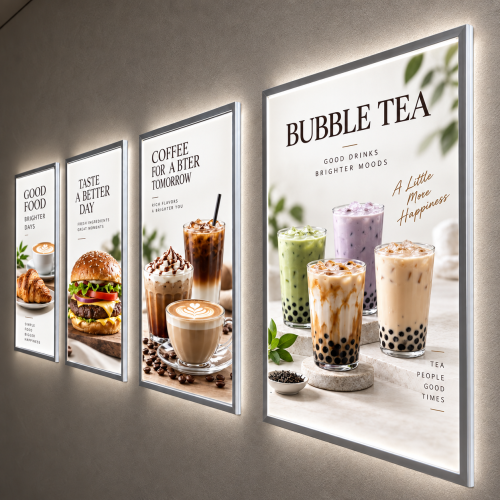
Wholesale LED Light Box Displays & Backlit Signs for Trade Buyers
LED light box displays and backlit signs combine illumination with printed graphics for retail, event, and business promotions. Sourcing the right display involves matching its format, size, and viewing direction to the project, preparing compatible artwork, and confirming installation, power, and placement requirements. For trade buyers, order configuration, replacement graphics, and production and delivery timing also shape the purchasing decision.
What LED Light Box Displays and LED Signs Does 777Sign Offer?
777Sign offers nine LED display formats for tabletop, floor, hanging, window, and wall applications. Print shops, sign shops, agencies, brokers, and graphic designers can source displays and compatible printed graphics for client projects.
The range includes light boxes that illuminate printed graphics and an LED Matrix Panel for electronic displays. Choose the format around the message, available space, and viewing direction.
LED Table Top Stand
The LED Table Top Stand presents illuminated graphics on counters, reception desks, and event tables. White options include 5.5" × 8.5", 8.5" × 11", and 12" × 12"; black options include 5.5" × 8.5" and 8.5" × 11". This compact format suits menus, service information, and promotions viewed at close range.
Desktop Slim Light Box
The Desktop Slim Light Box holds a 20" × 7" translucent film graphic in a slim desktop frame. Its horizontal layout provides space for a logo, short headline, or counter promotion. The indoor, plug-powered display includes a C-notch for changing artwork, making it useful for recurring campaigns at a fixed counter location.
Two-Way Light Box
The Two-Way Light Box provides a two-way display format for indoor promotional graphics. The product is listed as 17" × 12", with a specified insert size of 16.5" × 11.7". Its aluminum alloy frame, tempered glass, magnetic connection, and plug-powered lighting support display projects where graphic fit and access matter.
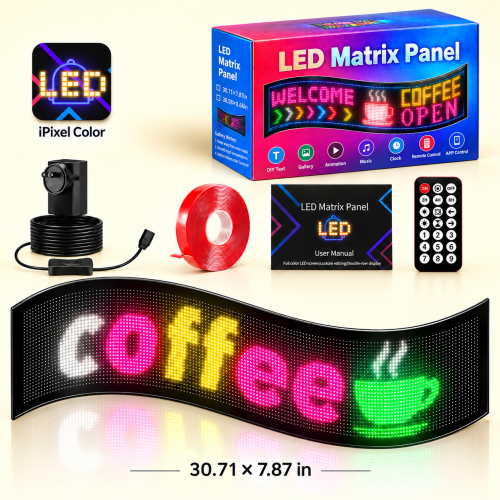
LED Matrix Panel
The LED Matrix Panel is a flexible RGB LED display listed at 30.71" × 7.87". It belongs to the electronic display part of the range, with no print template required. Before specifying it for changing promotional messages, confirm the supported content formats, controls, power requirements, and setup instructions for the selected model.
LED A-Frame
The LED A-Frame combines a floor-standing A-frame with an illuminated printed graphic. This model uses an aluminum frame, a 23" × 35.25" print insert, and plug-in power. It is available as a single-sided display. Consider it for promotions where a floor display can face approaching visitors without obstructing the walking route.
LED Standing Display
The LED Standing Display raises an illuminated graphic on an adjustable stand. The indoor model offers adjustable height and viewing angle, a translucent film insert, and single-sided presentation. Its plug-powered design suits reception points, product information stations, and service areas where the graphic needs to sit above floor level.
Hanging LED Light Box
The Hanging LED Light Box suspends an illuminated graphic above counters or other display areas. It supports 36" × 12" print inserts, with single- and double-sided options. The aluminum frame, acrylic cover, and plug-powered lighting provide a format for overhead branding or short messages where floor and counter space need to remain available.
Window Slim Light Box
The Window Slim Light Box presents illuminated promotional graphics in a window display. Single- and double-sided options let buyers plan for different viewing directions. Its aluminum frame and acrylic cover hold the printed film. Use the product template to confirm insert dimensions and visible artwork boundaries before preparing a storefront campaign.
Wall Display LED Light Box
The Wall Display LED Light Box places illuminated graphics on a wall, keeping counters and floor areas clear. The range includes horizontal and vertical formats. Its snap-open aluminum frame allows graphic changes, while plug-in power supplies the lighting. Consider it for branded reception areas, retail promotions, and wall-mounted product information.
How Are LED Light Box Displays Used in Commercial Projects?
LED light box displays present promotions, product information, menus, and brand graphics at specific customer touchpoints. For trade buyers, the project starts with the message the client needs visitors to notice.
Retail Storefronts and Window Promotions
Storefront light boxes display seasonal offers, new products, and brand messages to people approaching a business. A window campaign should prioritize one offer and a clear headline. Position the artwork for the intended audience, and distinguish an indoor window display from signage installed outside.
Trade Shows and Event Displays
Trade show light boxes identify reception points, introduce products, and display event information. A tabletop sign can explain an offer at a demonstration station; a standing display can introduce a product beside it. Coordinate transport, booth space, and venue power before selecting the display. For wider booth requirements, explore trade show displays.
Restaurant Counters and Service Areas
Counter displays present menus, meal offers, and service instructions where customers order or wait. Keep prices and product names easy to locate. If a client changes offers regularly, include replacement graphics and staff access in the campaign plan.
Showrooms, Reception Areas, and Business Interiors
Interior light boxes display brand identities, featured products, and service information. For example, a showroom graphic can introduce a product range, while a reception display can present a business’s main services. Give each sign a defined communication task instead of filling it with unrelated messages.
How Do You Choose the Right LED Light Box Display for Your Client?
Choose an LED light box by matching its placement, dimensions, viewing faces, and graphic format to the client’s project. Confirm these requirements before preparing artwork or quoting the finished display.
Match the Display Format to the Available Space
Match tabletop, standing, hanging, window, or wall formats to the actual installation area. Measure the usable space, including the base or frame. Leave room for customer movement, nearby fixtures, and access to the display.
Choose the Size and Orientation for the Viewing Distance
Choose dimensions and orientation around the message and reading distance. A short counter offer has different layout needs from a sign viewed across a showroom. Keep the headline prominent and reduce supporting text as viewing distance increases.
Product dimensions, insert dimensions, and the visible area can differ. Confirm all three before sizing the artwork.
Check Viewing Directions and Single- or Double-Sided Options
Choose the number of display faces according to where viewers approach. A wall position normally needs one visible face; a suspended display may need two. Check the selected model: the Hanging LED Light Box offers both options, while the LED A-Frame and LED Standing Display are single-sided.
Consider Ambient Light and How Often the Message Changes
Consider surrounding light and update frequency together. Assess a window display from the customer’s viewing position during the intended operating hours. For changing campaigns, decide whether the client needs periodic printed graphic replacements or an electronic display with suitable content controls.
What Should Trade Buyers Know About Backlit Graphics and Artwork?
Backlit graphics must match the selected light box’s insert dimensions, material requirements, and graphic retention system. Prepare artwork for the specific product before submitting the print order.
Match the Printed Graphic to the Selected Light Box
Match the graphic material and finishing to the frame. Several products in this range specify translucent film, including the Desktop Slim Light Box and LED Standing Display. Use the material and template listed for that model; a similar-looking frame does not establish compatibility.
Use the Correct Template, Bleed, and Safe Area
Use the selected product’s template to set the document size, bleed, and safe area. Keep logos, prices, and contact details within the visible boundaries. Check image quality at the final print size, and confirm the artwork orientation before exporting the file.
Prepare Colors and Review Artwork Before Production
Prepare print artwork in CMYK and review the Color Optimization Guide. Lighting, material, and ink coverage affect the illuminated result; exact brand-color matching is not provided. Where available, select an e-mail proof and approve it before production. Customers remain responsible for artwork accuracy.
What Installation and Power Requirements Should You Check for LED Light Box Displays?
Check the mounting method, support, power supply, operating environment, and maintenance access before ordering. These conditions determine whether the selected display fits the client’s location.
Confirm Mounting Hardware, Support, and Power Access
Confirm which mounting or support components are included and what the installation site requires. Use the specified power supply and plan cable routing around the display. Power arrangements vary: the 5.5" × 8.5" tabletop model lists USB-C charging, while the Desktop Slim Light Box is plug-powered.
Check Indoor and Outdoor Suitability Before Placement
Check the specific model’s approved environment before placing it outdoors. The Two-Way Light Box and LED Standing Display are listed for indoor use. An aluminum frame or a graphic facing the street does not establish outdoor suitability. For an exterior project, confirm the complete display’s suitability with 777Sign before ordering.
Allow Access for Graphic Changes and Routine Care
Leave enough access to open the frame, replace the insert, and reach the power connection. Follow the product instructions for cleaning and handling. For displays used at recurring events, inspect the frame, support, and connections between installations so problems can be addressed before the next setup.
LED Light Box Displays & Backlit Signs FAQs
These questions address graphic compatibility, order contents, sizing requests, and repeat projects.
What Is the Difference Between a Printed Light Box and an LED Matrix Panel?
A printed light box illuminates a physical graphic insert. An LED matrix uses an array of LEDs to form the displayed content. Choose according to the visual content and update workflow, then confirm the selected product’s capabilities.
Can I Order Replacement Graphics for an Existing Light Box?
Replacement graphics are available for selected products with insert-only options. Provide the model and required insert size, and check the template. Compatibility depends on the graphic dimensions, material, and frame system.
Does Every LED Display Include Both Hardware and Printed Graphics?
Order contents depend on the product and configuration selected. Review the hardware and insert options before checkout. The LED Matrix Panel uses an electronic display format and does not require a printed graphic template.
Can I Request a Size That Is Not Listed on the Product Page?
Contact 777Sign to confirm whether an unlisted size is available for the product. Provide the required dimensions, orientation, and intended placement. Confirm availability and specifications before preparing artwork or quoting a custom configuration to your client.
What Information Should I Prepare for a Multi-Location Order?
Prepare a location-by-location list of product models, quantities, artwork versions, delivery addresses, and required dates. Include placement and power details for each site. This helps identify differences before you place the orders.