

Yes, business cards are still useful in 2026, especially at trade shows, client meetings, and other face-to-face events.
Their value depends on the situation. Printed cards provide a physical reminder, while digital and NFC cards make information easier to update and share online. For many companies, combining print with a QR code offers the best of both options.
This guide explains where business cards still work, how the main formats differ, and what makes a printed card professional.
What Keeps Business Cards Useful in a Digital World
A business card makes sharing contact details quick and simple. There is no need to search for a profile, spell out an email address, or enter a phone number during a busy event.
Printed cards also help people remember a meeting. A contact may forget a name after several conversations, but a well-designed card can remind them of the person and company later.
The quality of the card also affects the first impression. Clear printing, durable cardstock, and a professional design can make a company feel more prepared and reliable.
Business cards work without internet access, a charged phone, or an app. However, they are most effective when shared after a useful conversation. Giving cards to everyone without context is less likely to lead to a response.
Where Business Cards Work Best
Business cards are most useful when people meet in person and need a fast way to stay connected.
Trade Shows and Conferences
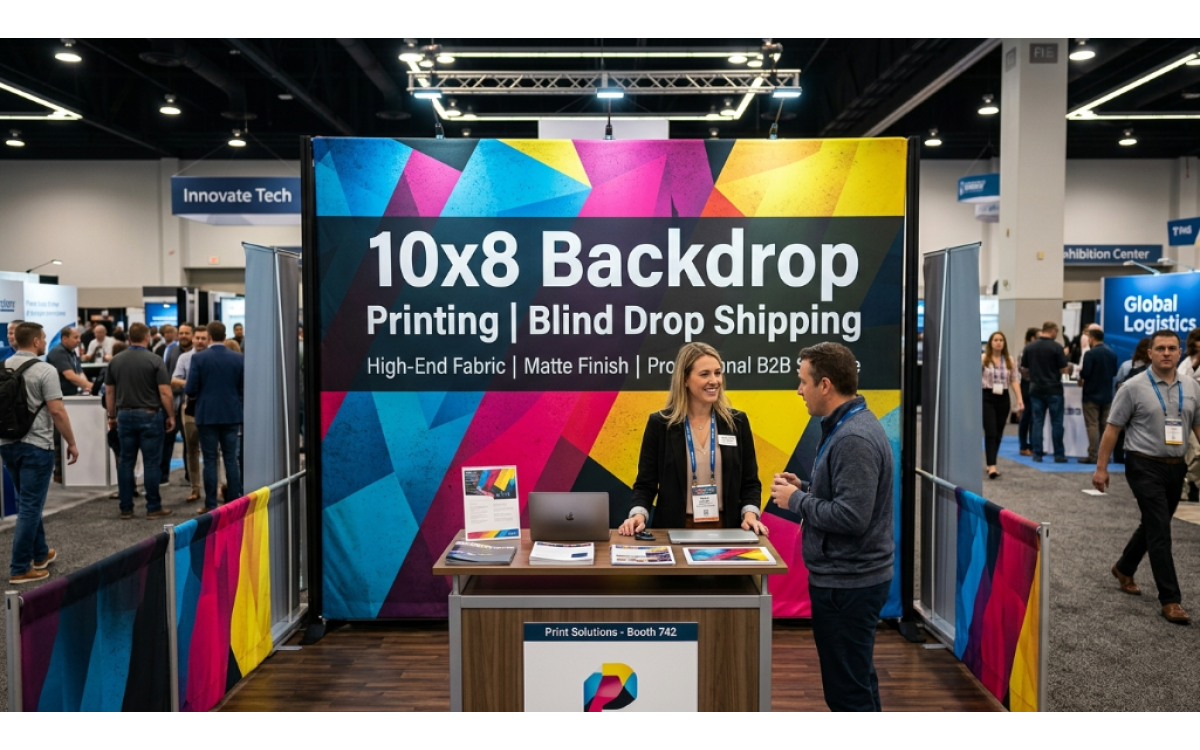
Trade shows move quickly. Buyers, vendors, exhibitors, and partners may speak with many people in one day. A printed card allows them to exchange details without interrupting the conversation.
Cards also work well with brochures, catalogs, samples, and other event materials. Adding a QR code can direct the recipient to a product page, appointment form, or digital contact profile.
Teams should bring enough cards for scheduled meetings and unexpected introductions. It is usually better to carry a small extra supply than to run out during the event.
Client Meetings and Sales Visits
Business cards are useful during sales presentations, site visits, and client meetings. They provide a clear record of who attended and how to contact each person.
Consistent cards also help team members present the same brand. The logo, colors, fonts, and layout should match other company materials.
The back of the card can include a QR code, booking link, short service list, or space for a note. Keep the information focused so the card remains easy to read.
Networking Events and Local Business Groups
Printed cards are practical at chamber events, association meetings, business mixers, and community gatherings. People often have several short conversations, making a quick exchange method helpful.
A physical card can also support referrals. Even when the first recipient does not need the service, they can pass the card to a colleague or customer.
Companies that serve a specific area may include a local phone number, office address, or service region when that information helps customers take the next step.
Paper, QR, Digital, and NFC Cards Compared
Each format has strengths and limits.
Paper Business Cards
Paper business cards are familiar and easy to share. They require no phone, app, or internet connection. Companies can also control the cardstock, colors, texture, and finish. The main drawback is that printed details cannot be changed after production.
QR Code Business Cards
QR code cards connect a printed card to online information. A recipient can scan the code to visit a website, view products, book a meeting, or save contact details. The QR code should lead to a mobile-friendly page with one clear purpose.
Digital Business Cards
Digital business cards work well for remote meetings and online communication. They can be updated without reprinting and may include links, videos, and booking tools. However, a digital profile is easier to close and forget after the conversation.
NFC Business Cards
NFC cards open a digital profile when tapped against a compatible phone. They can be convenient for frequent events, but compatibility may vary. A QR code or short web address provides a useful backup.
Combining Printed and Digital Cards
Many companies use a combined approach. A printed card supports the personal interaction, while a QR code connects the recipient to current information online.
What Makes a Good Business Card
A good business card should be clear, useful, and durable. Both the content and print quality affect the impression it creates.
Include Only Essential Information
Most business cards should include:
- Full name
- Job title
- Company name and logo
- Phone number
- Professional email address
- Company website
An office address or social media profile should only be added when it supports the card’s purpose.
Avoid including every possible contact method. Too much information makes the card difficult to scan. Use a QR code when the recipient may need access to more details.
Check all names, phone numbers, email addresses, and links before printing. A small error can make the entire order unusable.
Keep the Design Clear and Consistent
The name, company, and main contact method should be easy to find. Use readable fonts, clear spacing, and strong color contrast.
Avoid small text and crowded layouts. A simple design often looks more professional than one filled with too many images, colors, or effects.
The front and back should have clear roles. The front might show contact details, while the back includes a QR code or short brand message.
The design should also match the company’s website, signs, brochures, and other marketing materials.
Choose Durable Cardstock
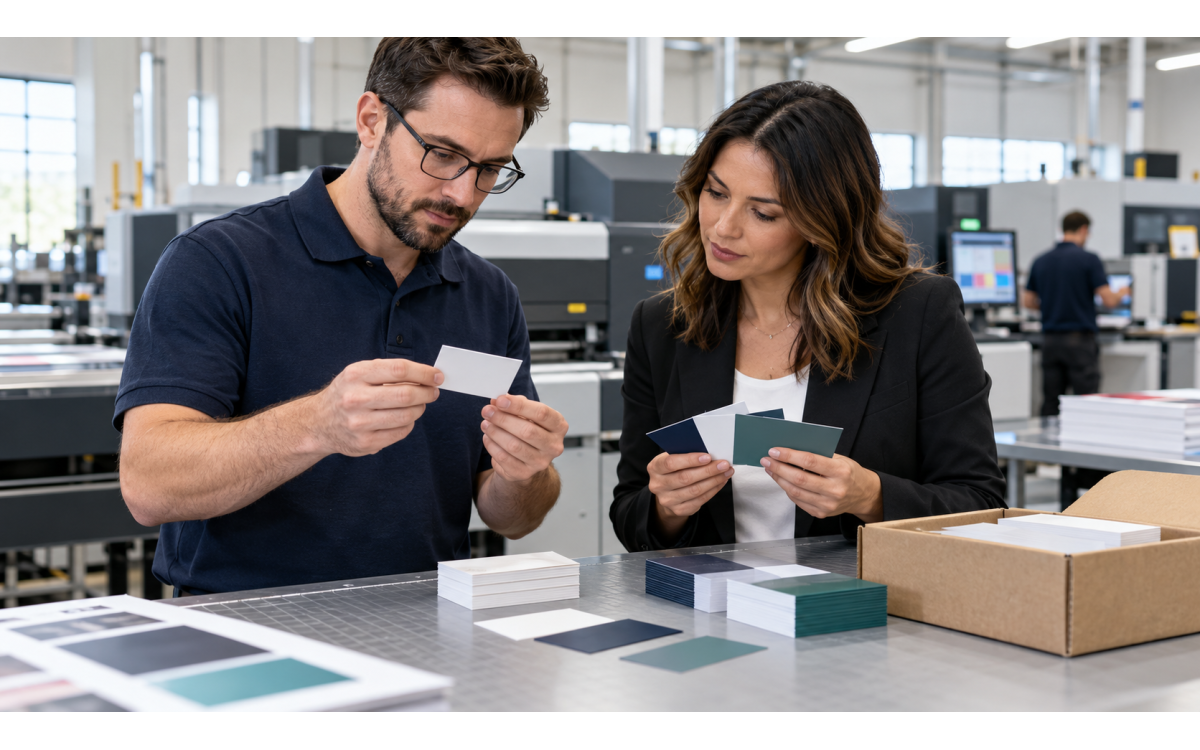
Cardstock affects how a business card feels and how well it holds up. Thin cards may bend easily, while heavier stock provides a firmer and more professional feel.
For regular business use, 16 pt. cardstock offers a practical balance of thickness and convenience. It is durable without being too bulky for a wallet or card holder.
Companies preparing for events and customer meetings can explore 16 pt. horizontal business cards from 777Sign. The standard horizontal layout provides space for branding, contact details, and double-sided designs.
Make Sure the Printing Is Sharp
Names, phone numbers, logos, and other design elements should appear sharp and easy to read.
Use high-resolution graphics and follow the printer’s requirements for size, bleed, and color settings. Images that look clear on a screen may not always print well.
QR codes should have enough space around them and strong contrast against the background. Test the code from a printed proof before placing the full order.
A proof can also reveal spelling mistakes, spacing problems, low-quality images, and elements placed too close to the trim line.
Choose a Finish That Supports the Design
The finish affects the card’s look, feel, and durability. A glossy or UV coating can make colors look brighter and provide extra surface protection.
A glossy finish is not always the best choice. If employees need to write notes or appointment times on the card, an uncoated or writable area may be more useful.
Choose a finish that supports the design and intended use. Special effects should not make the card harder to read.
Business Cards for Trade Customers
777Sign offers 16 pt. horizontal business cards for trade customers. The cards use the standard 2 × 3.5-inch size and support single or double-sided printing, optional UV coating, and design proofs. Same-day turnaround is also available for qualifying orders.
Explore 16 pt. horizontal business cards from 777Sign for your next event, client meeting, or print project.
Final Thoughts
Business cards remain useful because face-to-face conversations still matter. A printed card provides a quick way to share contact details and helps the recipient remember the meeting.
Digital and NFC options have added new ways to connect, but they have not replaced print in every situation. A printed card with a QR code is often a practical choice for companies that want both a physical reminder and access to current online information.
The most effective card does not need to be complicated. Clear details, a focused design, durable cardstock, and reliable print quality are usually enough.
Update cards whenever contact details, job titles, office locations, or branding change. Review them again before a repeat order or major event.
Frequently Asked Questions
Are vertical business cards still professional?
Yes. Vertical cards can look professional when the layout is clear and fits the brand. Horizontal cards remain more common and offer more room for contact details.
How many business cards should employees bring?
The right quantity depends on team size and event schedules. Start with a smaller order if employee details or branding may change soon.
Can business cards be used internationally?
Yes, but business card customs vary by country. Check local etiquette and consider a double-sided card with a second language when needed.